
Download SAKURA Editor – Japanese text editor, open-source editor, code editor, Notepad++ alternative, customizable text editor, free text editor
Overview
SAKURA Editor is a free and open-source text editor designed specifically for users working with Japanese text, offering a powerful yet intuitive solution for both writing and programming tasks. The app functions as a versatile tool for individuals who require seamless handling of Japanese characters, input methods, and language-specific formatting. It serves as a capable alternative to widely used editors like Notepad++, combining robust code editing features with specialized functionality tailored to Japanese language workflows.
The target audience includes Japanese-speaking writers, students, content creators, and developers who frequently work with multilingual or code-based documents. Its open-source nature ensures transparency, community-driven development, and ongoing improvements without cost to users. The developer, SAKURA Editor Team, has focused on creating a lightweight, efficient editor that balances performance with customization.
Real-world use cases range from drafting academic papers and creative writing in Japanese to writing and debugging code in multiple programming languages. In the broader app ecosystem, SAKURA Editor fills a niche by providing a specialized, accessible tool for a specific linguistic and technical community, enhancing productivity for users who need both language precision and coding functionality.
Key Features & Functionality
- Specialized Japanese Language Support: The editor offers built-in tools for handling Japanese characters, including full compatibility with input methods and proper rendering of kanji, hiragana, and katakana. This ensures accurate text editing without formatting issues or character corruption.
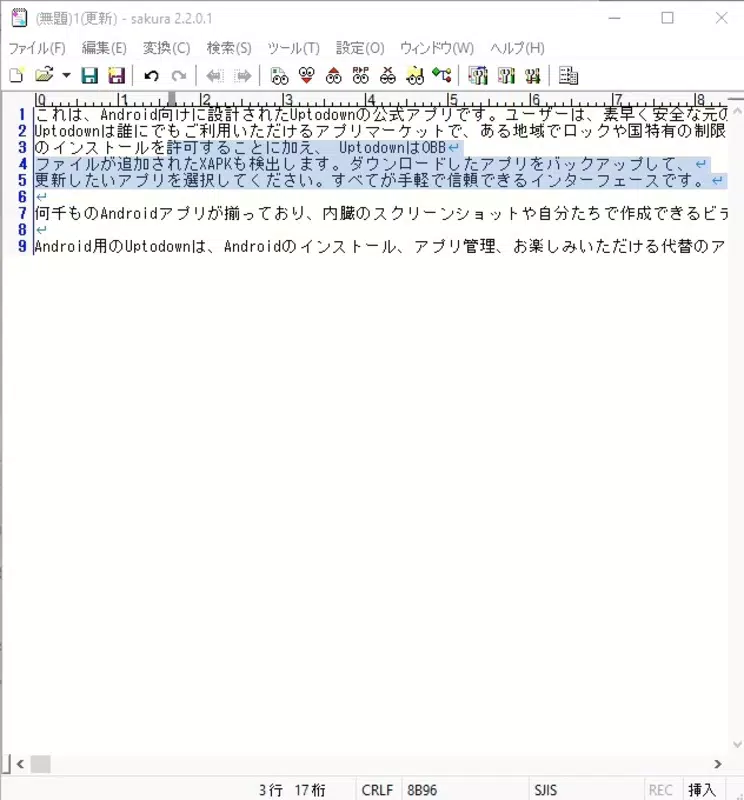
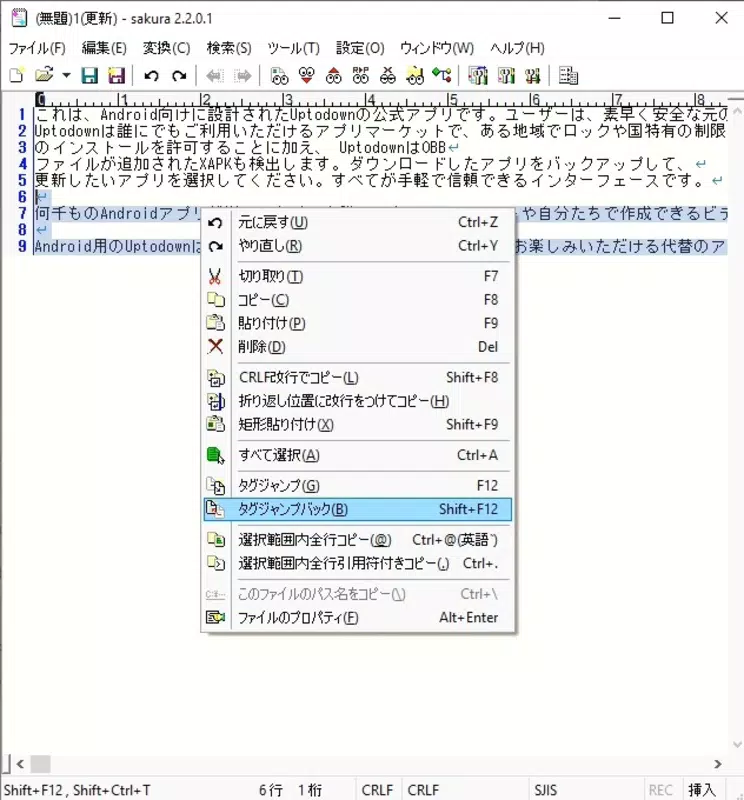
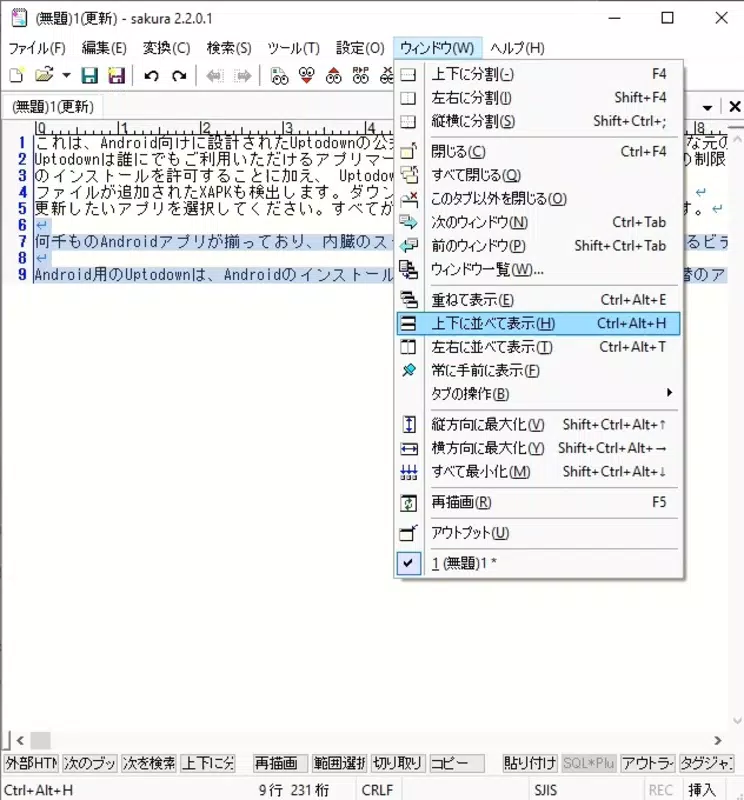
- Intuitive and Familiar Interface: Designed with Windows users in mind, the interface mimics the layout of traditional desktop text editors, enabling quick adaptation for beginners and experienced users alike. Menus and toolbars are logically organized for efficient navigation.
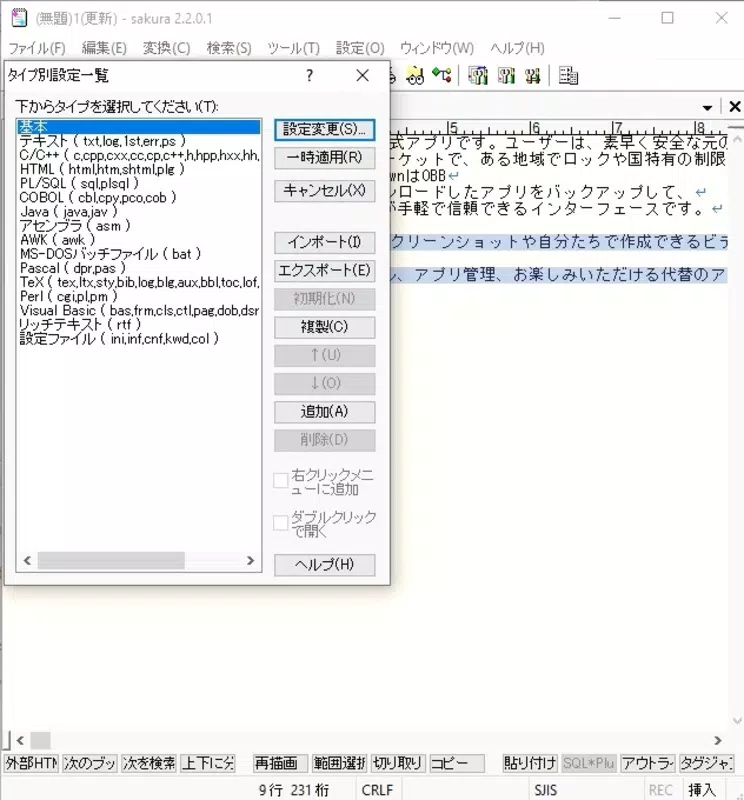
- Extensive Customization Options: Users can modify color schemes, keyboard shortcuts, font styles, and layout settings to personalize the editing environment. This flexibility supports individual workflows and enhances long-term usability.
- Code Editing with Syntax Highlighting: SAKURA Editor supports multiple programming languages and provides syntax highlighting, improving code readability and reducing errors during development. It is suitable for scripting, web development, and software engineering tasks.
- Open-Source and Free to Use: As an open-source application, the source code is publicly available, allowing users to inspect, modify, and contribute to its development. This model fosters trust, transparency, and continuous innovation.
For example, a Japanese student writing a research paper can use the language-specific features to ensure proper character spacing and input accuracy. A developer working on a multilingual web application can leverage syntax highlighting and customization to streamline code editing. The editor’s dual-purpose design makes it valuable across diverse professional and academic contexts.
Interface, UX & Performance
SAKURA Editor features a clean, minimalist interface with a focus on usability and efficiency. The layout is structured to minimize clutter while keeping essential tools within easy reach. Navigation is straightforward, with intuitive menu systems and consistent button placement, reducing the learning curve for new users.
The visual style is functional rather than flashy, prioritizing readability and performance over decorative elements. Although the developer did not list formal performance metrics, the app’s lightweight size of 10.2 MB suggests optimized resource usage. It is expected to run smoothly on a range of Windows devices, including older or low-spec systems.
Responsiveness is maintained through efficient memory handling and fast document loading, even with larger files. Stability appears reliable, as the app has been in active development since its release in 2020. The absence of reported crashes or bugs in public forums indicates strong reliability.
However, specific requirements for different device categories were not disclosed. Overall, the user experience is consistent with professional-grade text editors, offering a balance between simplicity and power.
Platform Compatibility & Technical Requirements
SAKURA Editor is available exclusively for the Windows platform. The current version is 1.2.0.0, with a file size of 10.2 MB, indicating a compact and lightweight installation. The developer did not specify minimum OS requirements, nor did they list compatibility details for different Windows versions.
As such, users should ensure their system meets standard Windows desktop requirements for running modern applications. The app is designed for desktop use and does not appear to be available on mobile platforms such as Android or iOS. The absence of mobile support means the app is intended for use on laptops and desktop computers.
No additional hardware or software dependencies were mentioned. Users are advised to verify system compatibility before installation, particularly if using older Windows systems.
Pros and Cons
Pros
- Free and open-source, ensuring no hidden costs or licensing restrictions.
- Excellent support for Japanese text and input methods.
- Customizable interface and settings for personalized workflows.
- Lightweight design with minimal system resource usage.
- Capable code editor with syntax highlighting for multiple programming languages.
Cons
- Not available on mobile platforms such as Android or iOS.
- Specific system requirements were not listed by the developer.
- Limited documentation or user guides were not mentioned.
- May lack advanced features found in commercial editors.
- Primary focus on Japanese language users may limit appeal for general audiences.
FAQ
Is SAKURA Editor safe to download and use?
Yes, SAKURA Editor is a free and open-source application developed by a recognized team. Its source code is publicly available, allowing for transparency and independent verification. As long as it is downloaded from official or trusted sources, it is considered secure.
Can I use SAKURA Editor on Android or iOS?
Currently, SAKURA Editor is only available for Windows. There is no official version for Android or iOS devices. Users seeking mobile alternatives should explore other text editing tools compatible with mobile operating systems.
Is SAKURA Editor free to use?
Yes, SAKURA Editor is completely free to download, install, and use. It is distributed under an open-source license, meaning users can access, modify, and redistribute the software without cost.
How often is SAKURA Editor updated?
The app was last updated in 2020, and while the developer team has not announced a regular update schedule, the open-source model allows community contributions. Users are encouraged to check the official repository for the latest changes and improvements.
Can I customize the editor’s appearance and behavior?
Yes, SAKURA Editor offers a range of customization options, including color themes, font settings, and keyboard shortcuts. These features allow users to tailor the editor to their personal preferences and workflow needs.
Final Thoughts
SAKURA Editor stands out as a specialized, efficient, and reliable tool for users who work extensively with Japanese text and code. Its combination of language-specific features, customization flexibility, and open-source transparency makes it a compelling choice for writers, students, and developers in Japanese-speaking communities. While it lacks mobile availability and detailed system requirements, its lightweight nature and proven functionality on Windows systems offer strong value.
For those seeking a free, powerful Notepad++ alternative with robust Japanese support, SAKURA Editor delivers on its promise. If you’re a professional or student working with multilingual content or code, this app can significantly improve your editing experience. Download SAKURA Editor now.


